Get Access to WindowsApps Folder in Windows 10
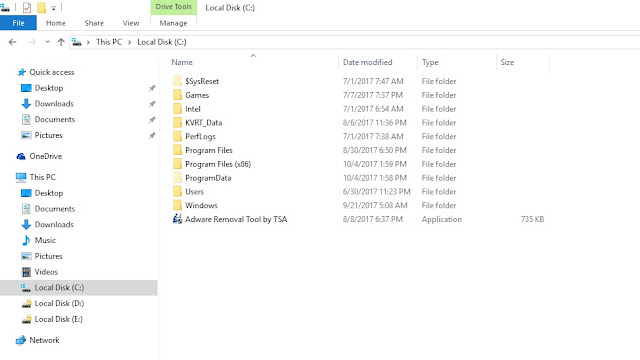
Just like almost all the programs, Windows App installation files are also stored in the Program Files folder in your C drive. However, the folder is hidden from plain sight. To see the folder, head over to the Program Files folder, click on the “View” tab and then select the “Hidden Items” checkbox. This action will show you all the hidden folders including the “WindowsApps” folder. Though you can see the folder, you cannot open the folder to see the files in it. If you try to open it, your access will be denied even if you are the administrator. To get access to the WindowsApps folder, right-click on the folder and then select the “Properties” option from the list of context menu options. The above action will open the Properties window. Here, navigate to the Security tab and click on the “Advanced” button appearing at the bottom of the Window. Once the Advanced Security Settings window has been opened, click on the “Change” link. You will receive a ...
